Signature PNG
iOS 16+Turn a paper signature into a clean, truly transparent PNG.
Signature PNG turns a paper signature from a photo or file into a transparent PNG. After importing a JPG, HEIC, or PNG, you can correct an angled page, select the signature region, adjust background removal and ink appearance, and repair details with erase and restore brushes. The result is tightly cropped around meaningful transparent edges with a small safety margin. Signature extraction and editing run on the device; once the result is ready, save it to Files or Photos, copy the PNG, or use the system Share Sheet. The current version does not generate signatures, verify identity, certify electronic signatures, or determine whether a contract is legally valid.
Features
Every feature, carefully crafted
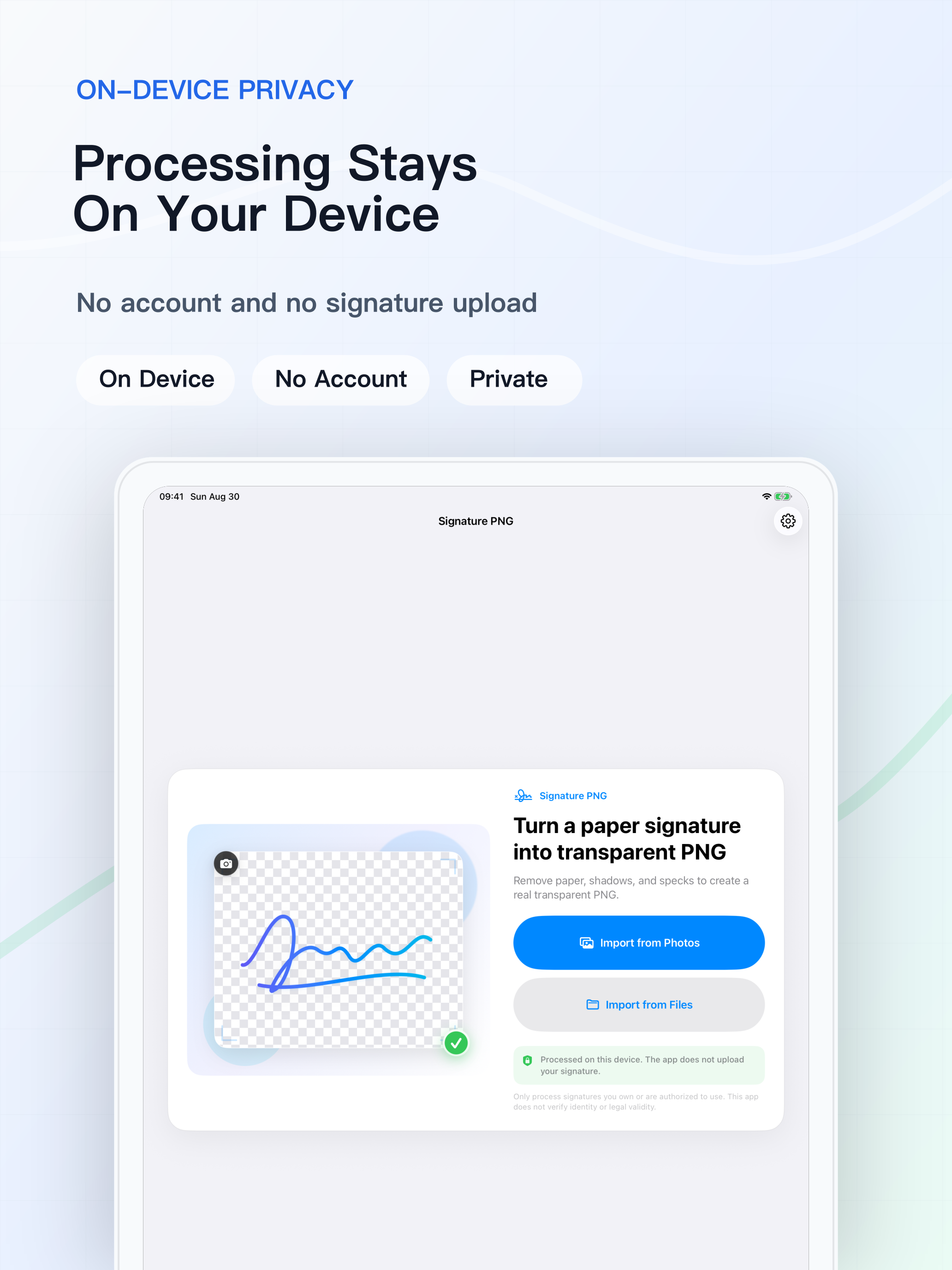
Import from Photos or Files
Choose a JPG, HEIC, or PNG through the system PhotosPicker or file importer; the current version does not include direct camera capture.
Correct an Angled Page
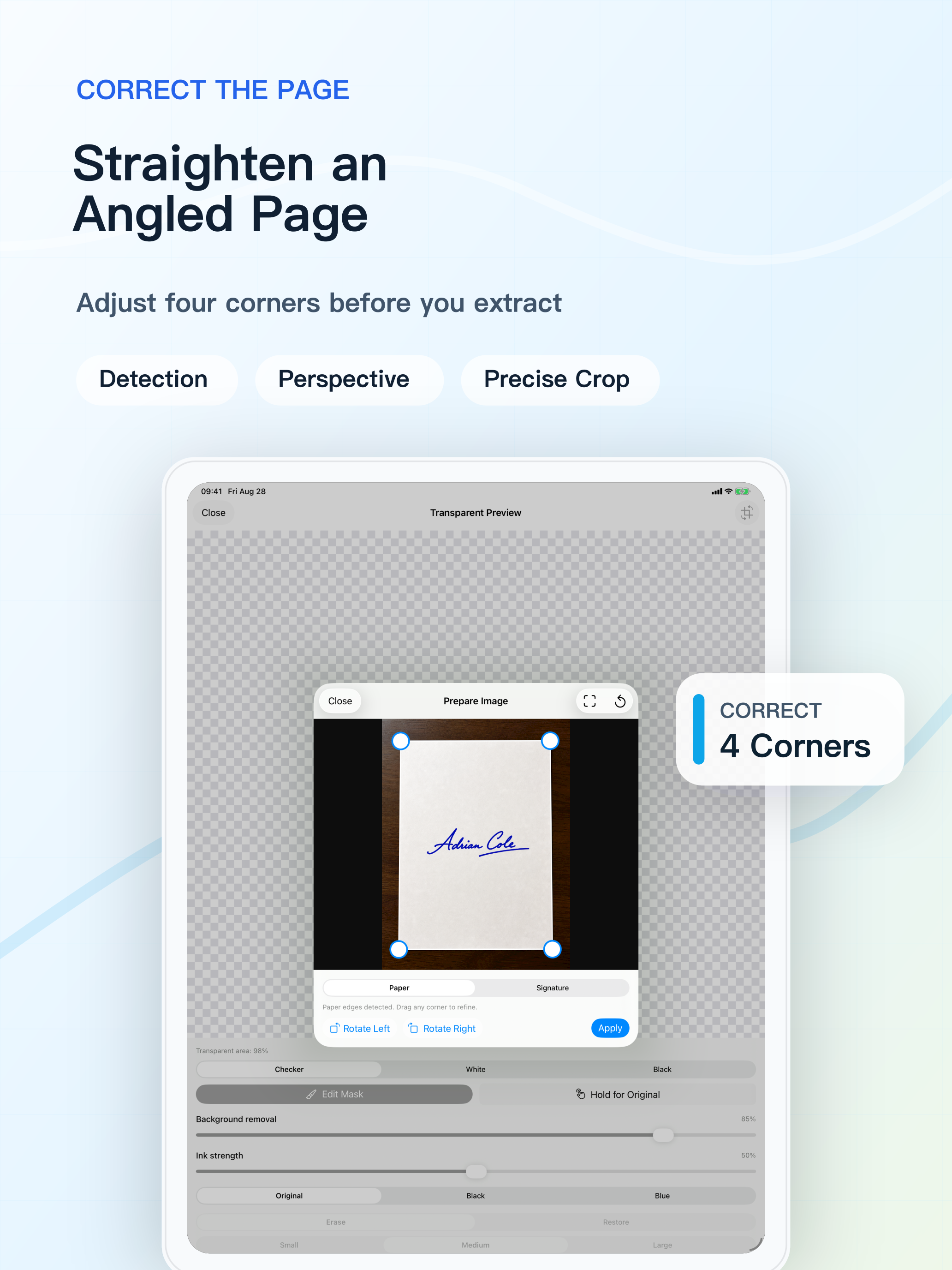
Detect page edges, rotate left or right, adjust four-corner perspective, and crop the signature region.
Create a Real Transparent PNG
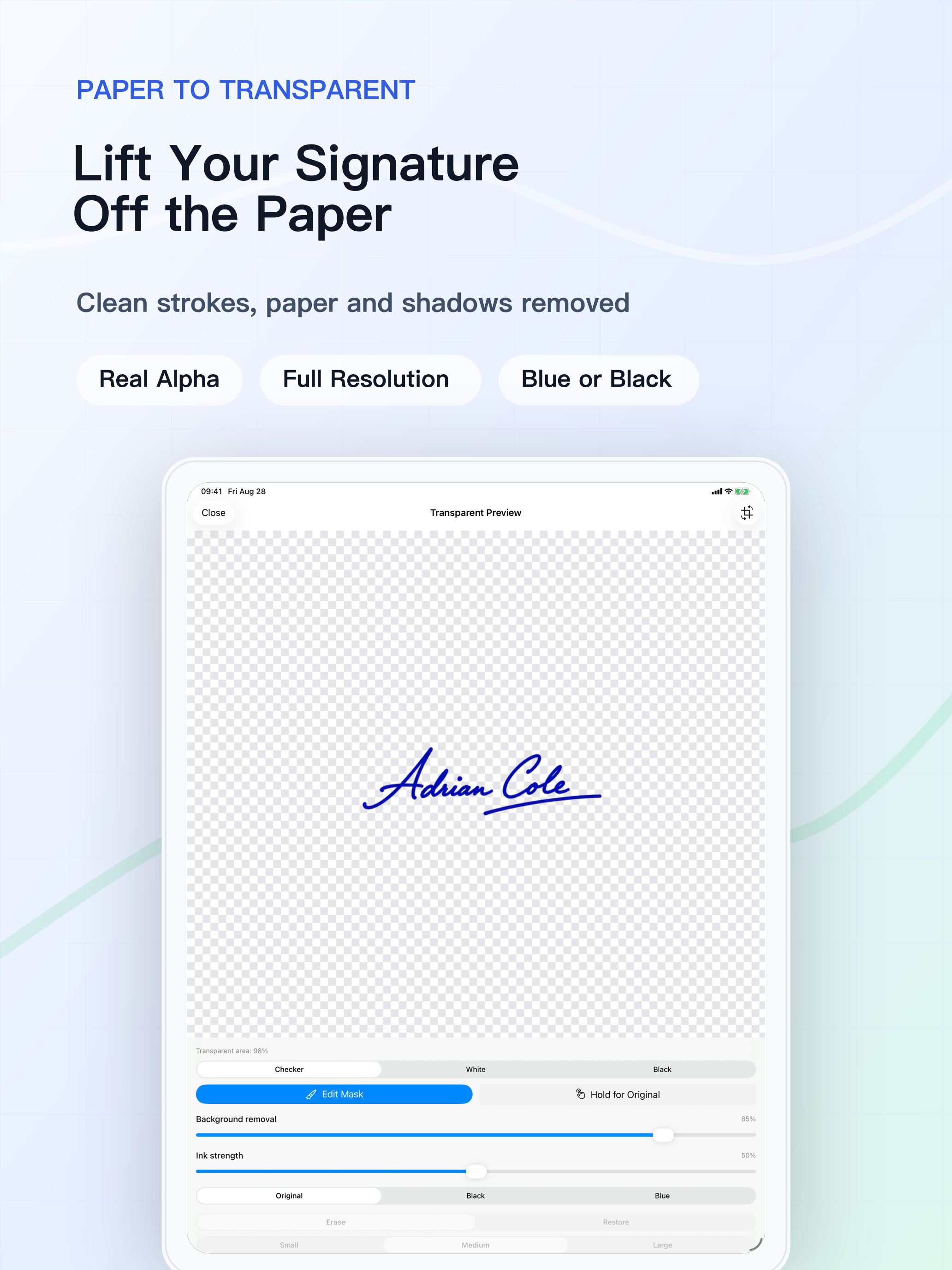
Remove paper, shadows, and specks, validate the encoded Alpha channel, and trim excess transparent space automatically.
Repair Important Strokes
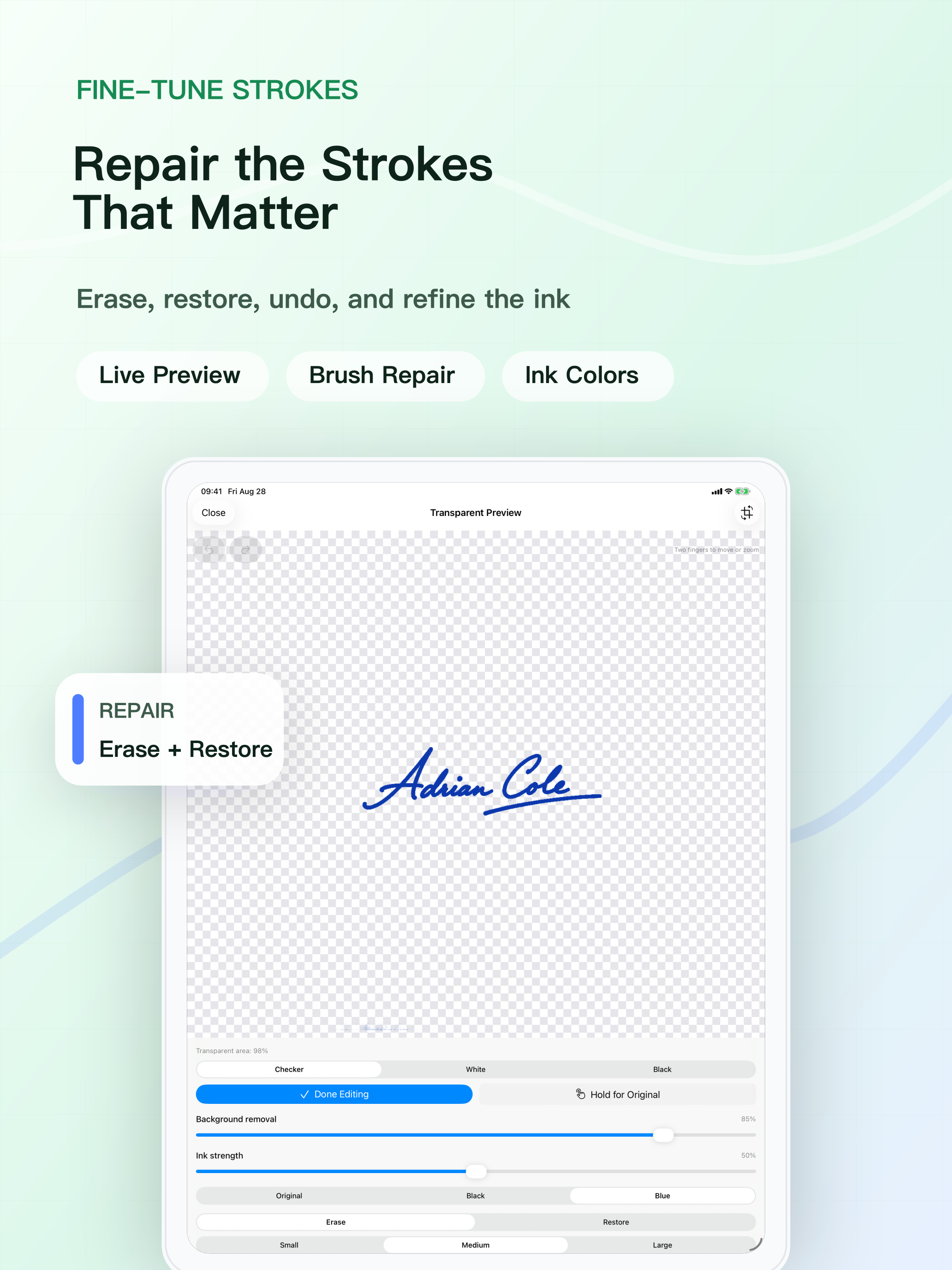
Refine the result with erase, restore, undo, and redo, using small, medium, or large brush sizes.
Inspect Edges and Ink
Preview on a checkerboard, white, or black background, zoom into strokes, and keep the original ink or switch to black or blue.
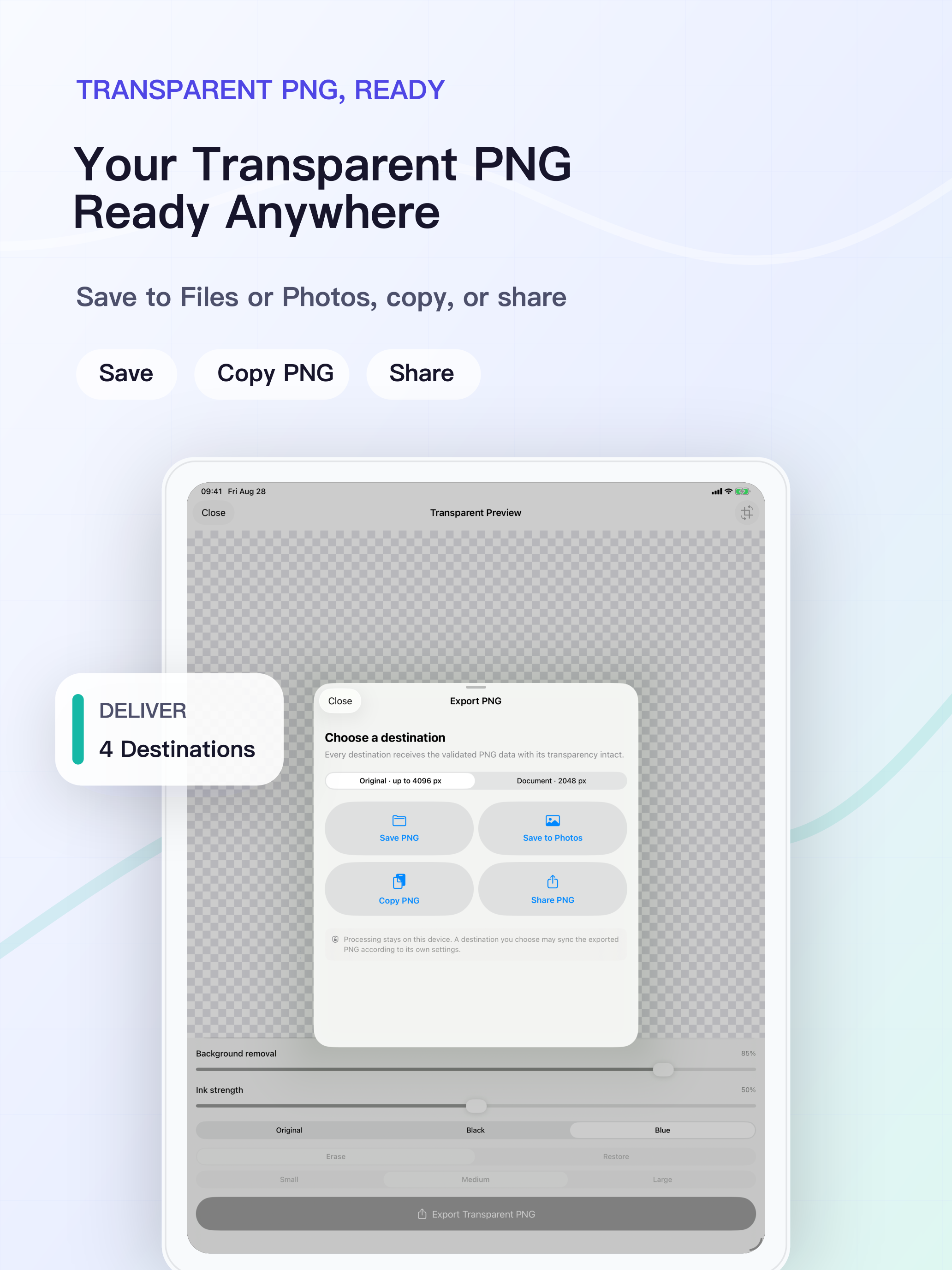
Four System Destinations
Deliver the same validated PNG to Files or Photos, copy it to the local clipboard, or share it through the system Share Sheet.
Screenshots
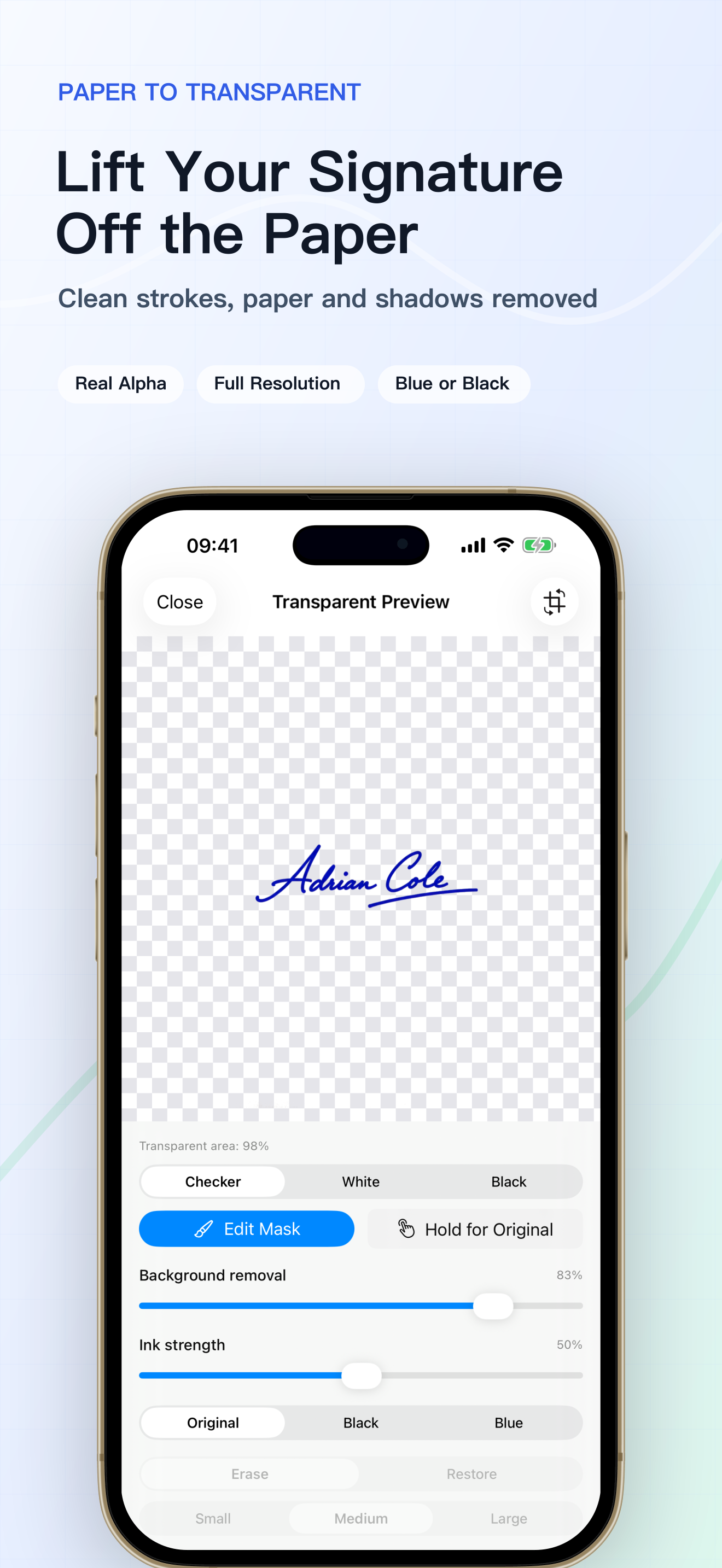 Inspect the complete signature on a transparency grid after paper, shadows, and specks are removed.
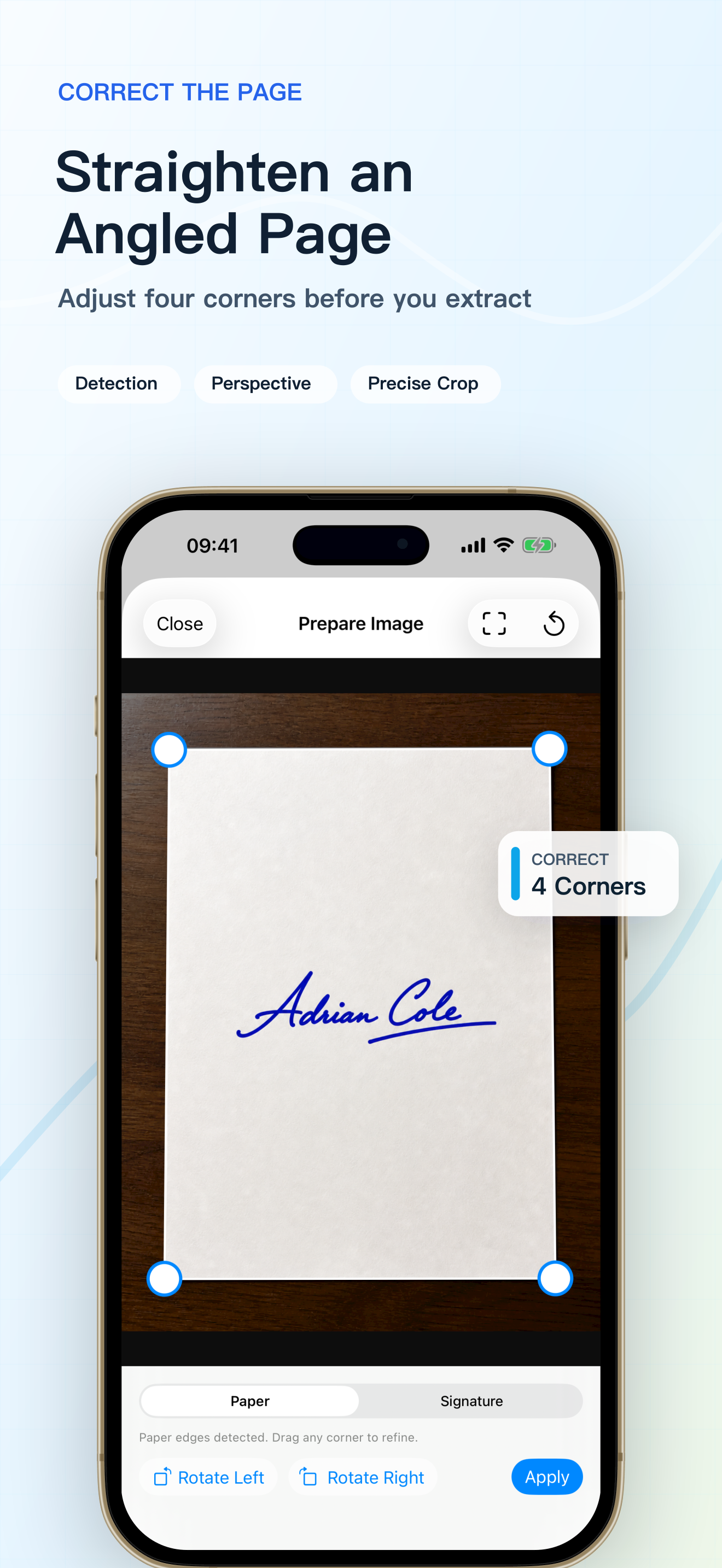 Adjust four page corners to correct an angled photo before extraction.
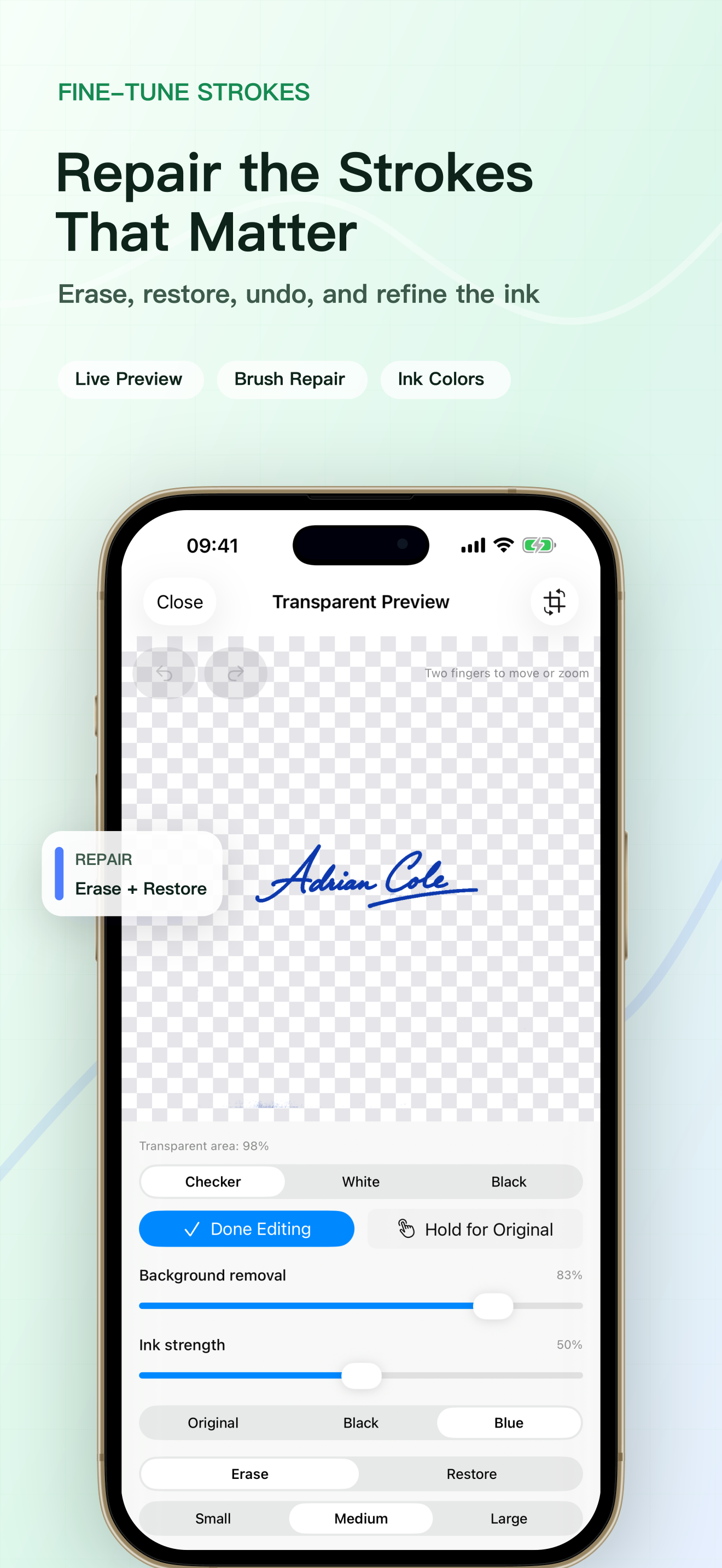 Repair difficult strokes with erase, restore, undo, and redo.
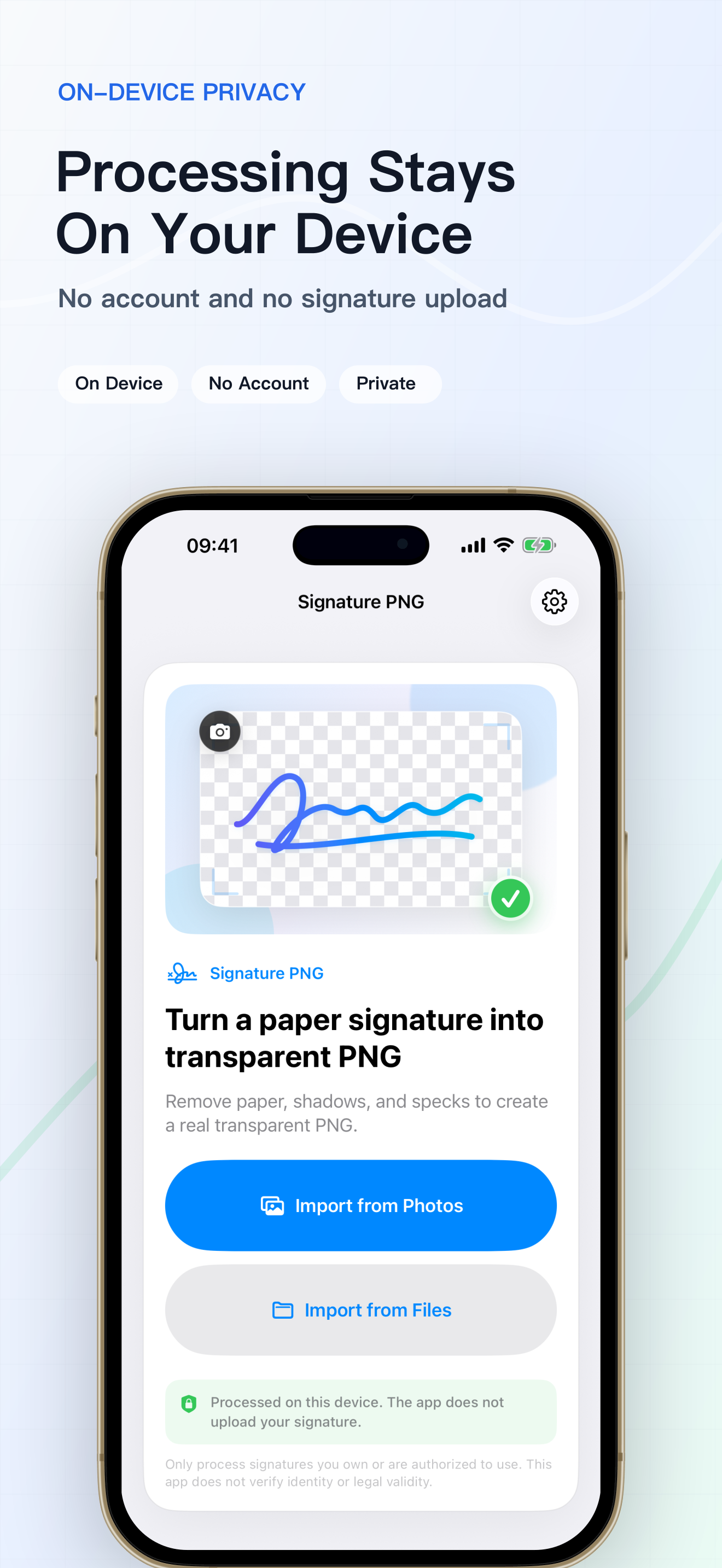 No account required; signature extraction and editing run on the device.
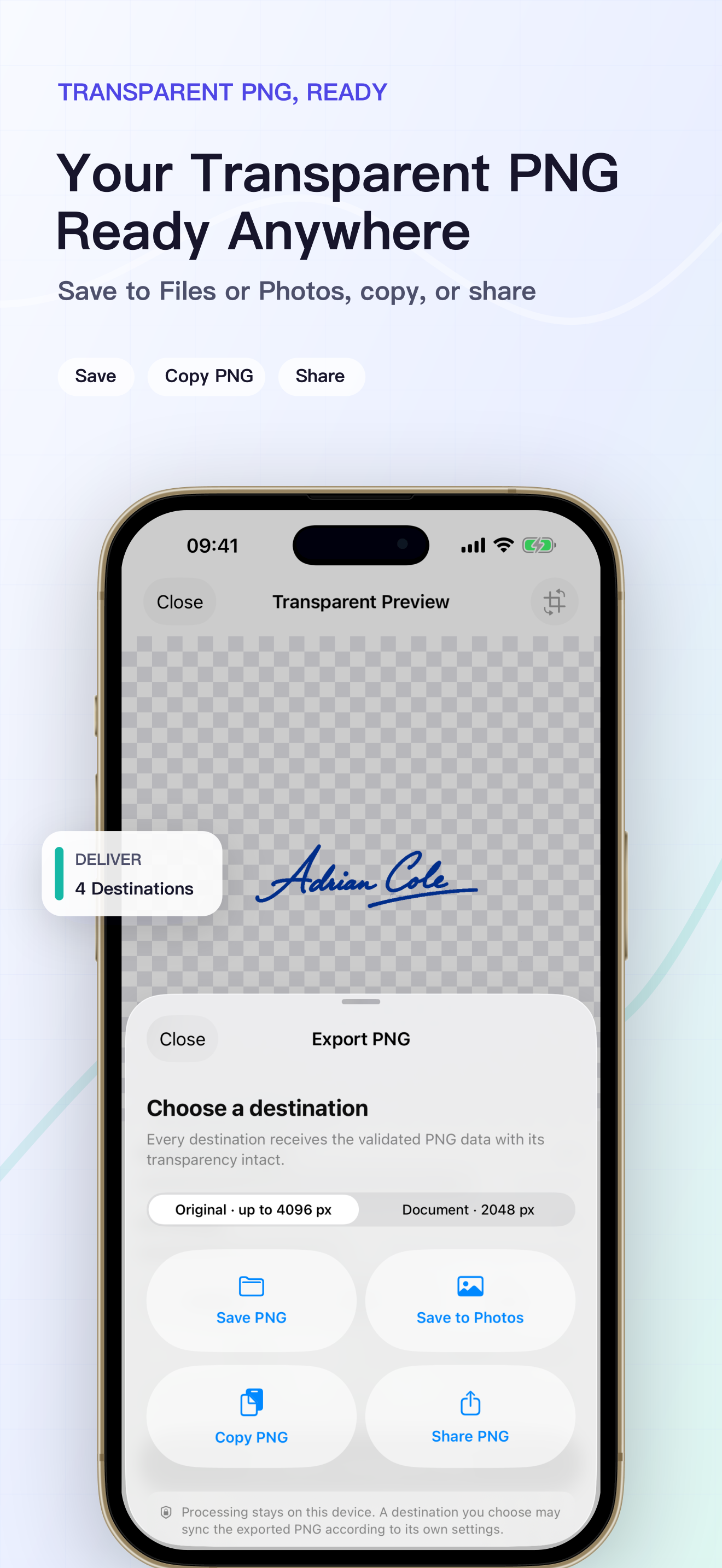 Deliver the same validated transparent PNG to Files, Photos, the clipboard, or the system Share Sheet.